
Open a tab. Start with what matters.
The Krodium home screen is a calm grid of the apps and sites you use, with popular sites for your region ready to add. Every new tab opens it.
Available now
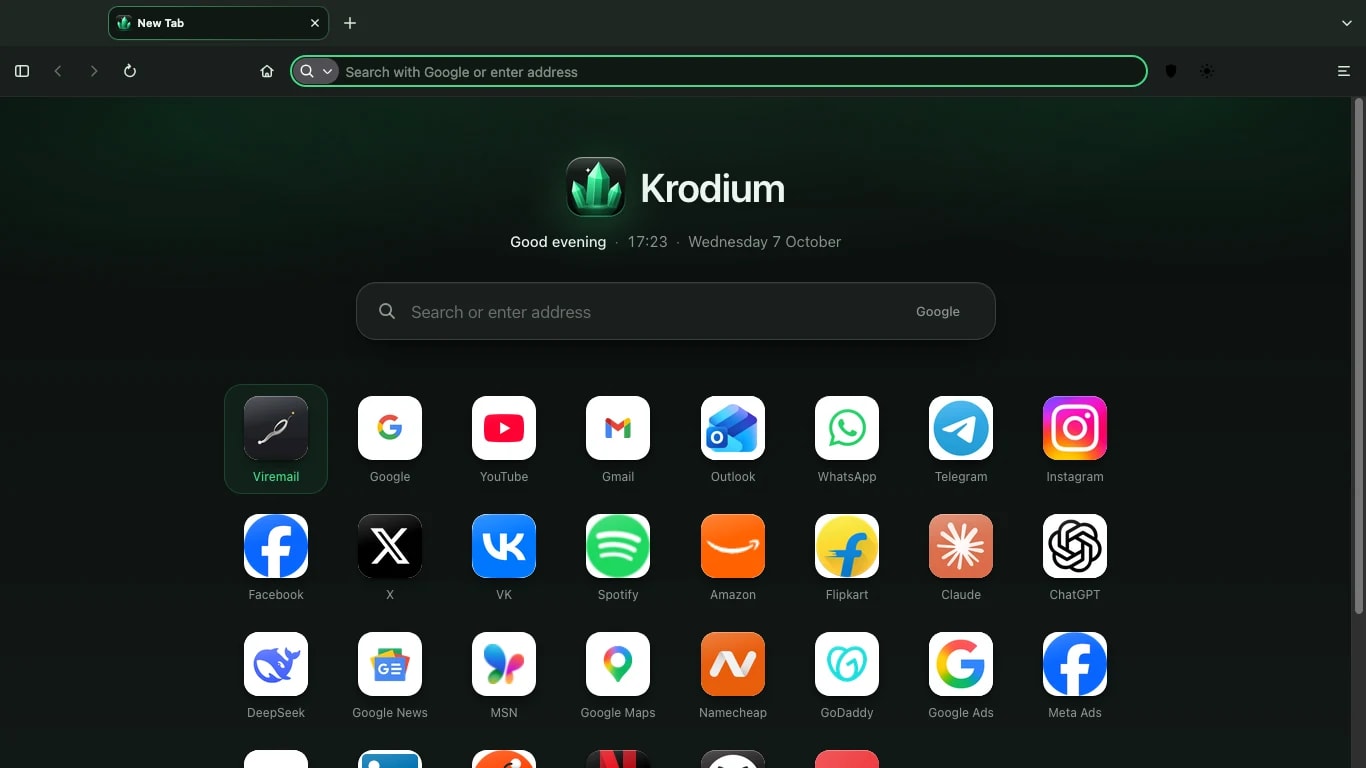
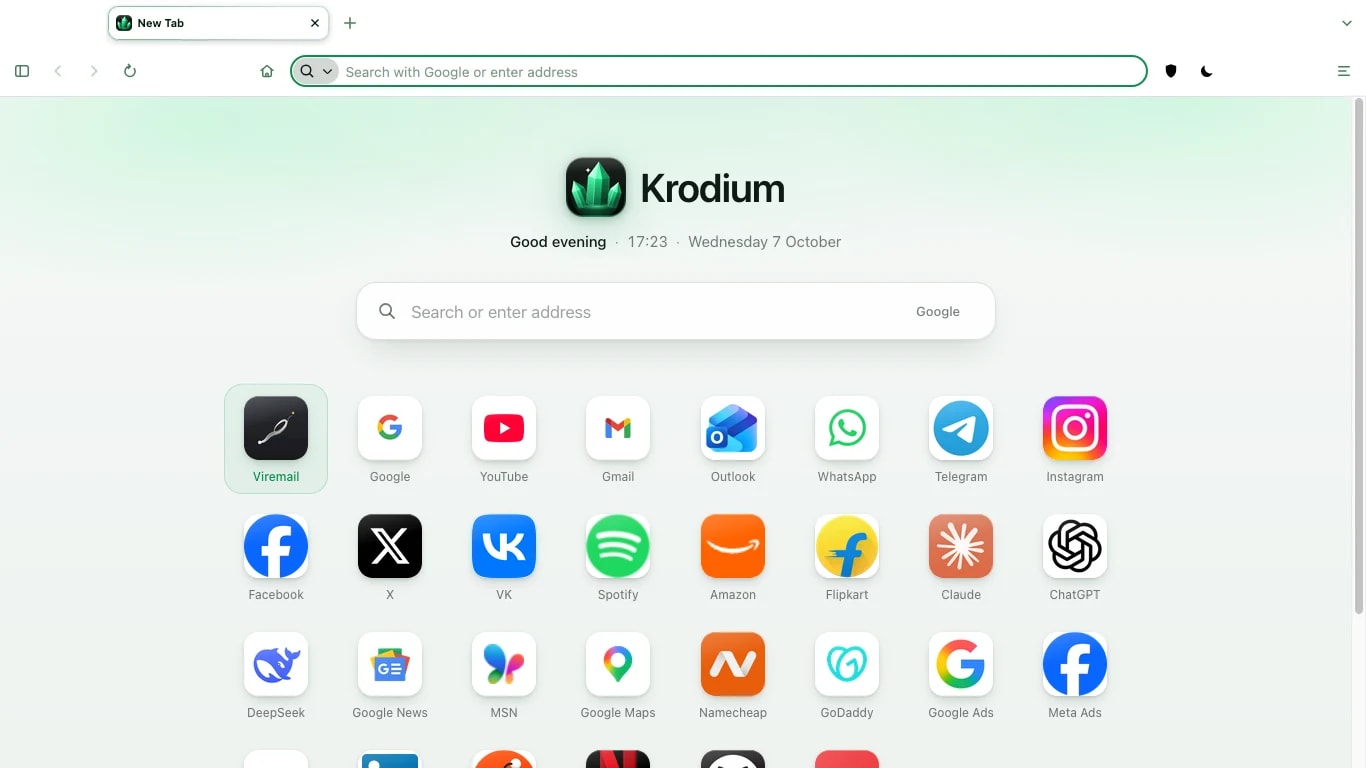
Home screen of apps
In detail.
Your apps, one click away
Pin the sites you use every day as tiles on the start page. Rearrange them by dragging.
AvailableRegional suggestions
The start page suggests well-known sites for the country you are in, so a new tab is useful from the first day.
AvailableVire apps built in
Viremail, VireDrive, Vire Chat, Pintas and Write sit alongside your own sites.
ComingQuiet by design
No news feed, no sponsored tiles and no recommendations you did not ask for.
Available
Good to know
The home screen arrived in version 0.2. Vire apps beyond Viremail join it as they launch.
Download
Free for Mac. Ready in two minutes.
Krodium 0.8 for Macs with Apple silicon, macOS 10.15 or later. 89 MB. No account needed.